Google Launches New App to Bring Gemini AI Directly to Windows
Google has officially introduced a new Windows application designed to make Gemini AI more accessible than ever for PC users.
Built with deep system integration, the app aims to transform how users interact with AI in their daily workflows.
Instant Access with a Simple Shortcut
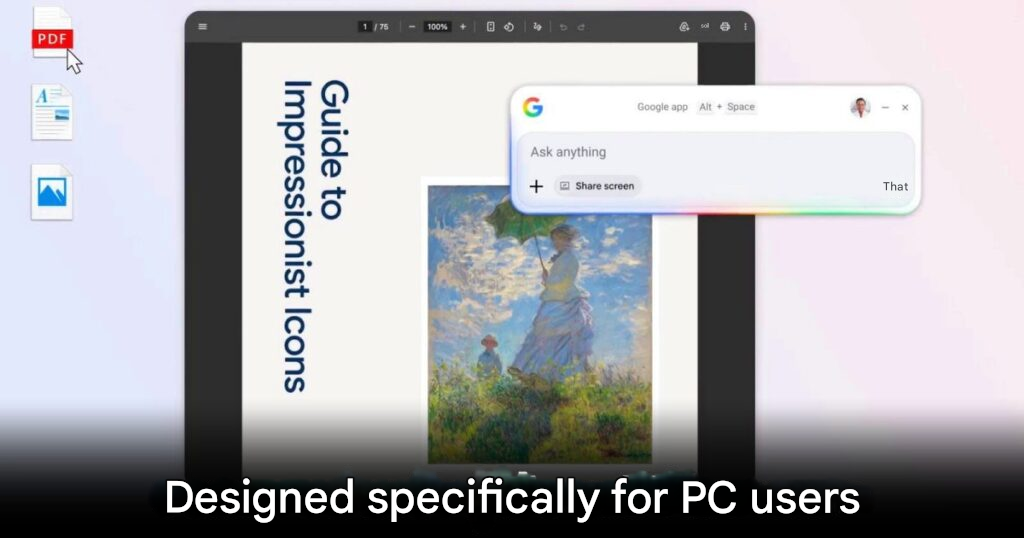
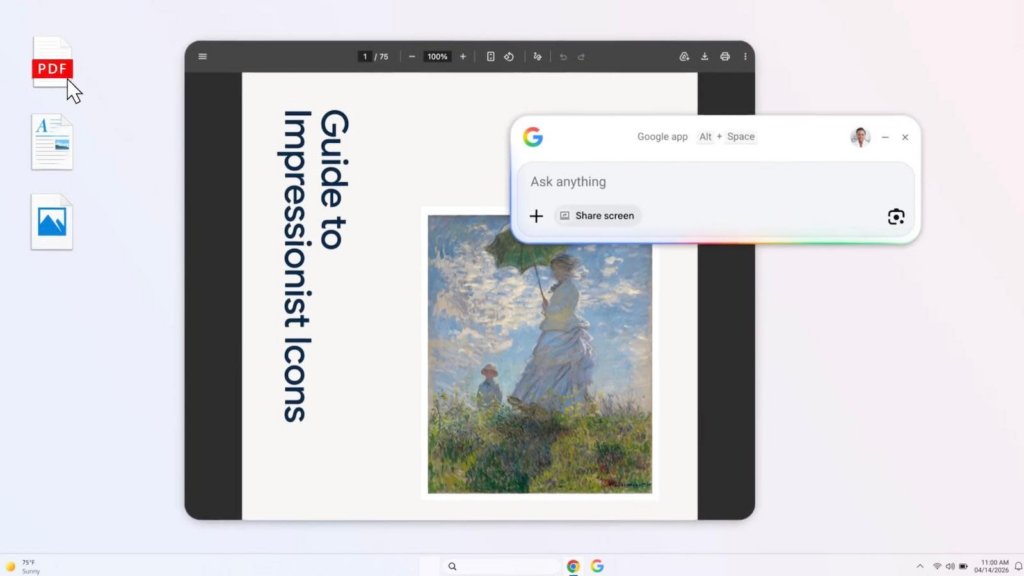
One of the standout features is the Alt + Space shortcut, which instantly opens a floating search bar on screen.
This function works similarly to macOS search, allowing users to:
- Search the web using Google
- Activate AI Mode for deeper, contextual queries
- Ask complex follow-up questions in real time
It turns traditional search into a dynamic conversation, making information retrieval faster and more intuitive.
More Than Just Web Search
The app goes beyond simple browsing by offering system-wide search capabilities.
Users can easily:
- Locate local files
- Search within installed apps
- Access documents stored in Google Drive
This unified approach creates a centralized search experience across both local and cloud environments.
AI Vision with Screen Sharing
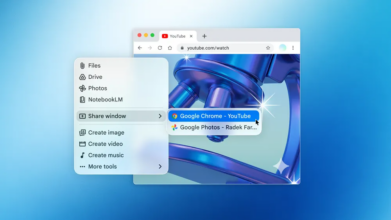
Another powerful feature is screen sharing integration with Google Lens.
This allows the AI to:
- Analyze on-screen content
- Translate text instantly
- Identify objects or information within images
With just a few clicks, users can turn anything on their screen into actionable insights.
Available Now, With Some Limitations
The app is available globally starting today, but currently supports English only.
Google is expected to expand language support once the system becomes more stable.
Supports Both Windows 10 and 11
In a surprising move, Google has ensured compatibility not just with Windows 11, but also Windows 10.
This decision significantly expands the app’s reach, making it accessible to:
- Businesses still using older systems
- Users who haven’t upgraded their OS
As long as the device meets requirements and has an internet connection, the app is ready to go.
Is It Worth Downloading?
For users who rely heavily on AI tools and productivity workflows, this app could become an essential part of daily use.
However, those who don’t frequently use AI may prefer to skip it to avoid unnecessary system load.
Still, for anyone looking to streamline search and boost efficiency, Google’s Gemini app for Windows is definitely worth trying.
Origin: Engadget