Google Explains Why Android AICore Sometimes Uses More Storage
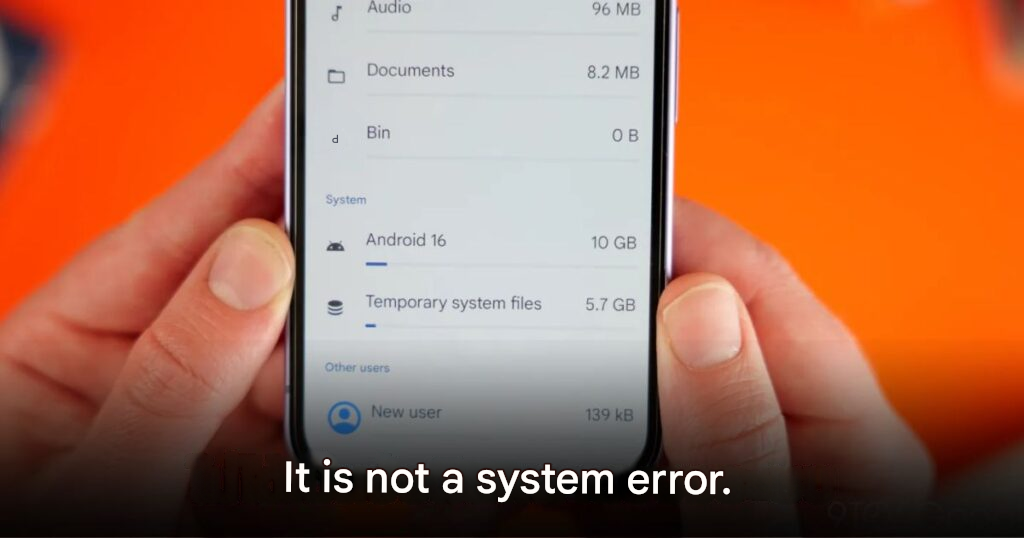
Some Android users may have noticed their device storage suddenly shrinking after an AI-related update. Now, Google has clarified that this isn’t a bug, but part of how the system safely handles updates behind the scenes.
What Is Android AICore?
Android AICore is a key system component that allows certain AI features to run directly on your device without constantly relying on the cloud.
It powers capabilities such as:
- Text correction and writing assistance
- Voice transcription
- Scam detection
- Smart replies in chat apps
- Audio summaries from Recorder
- Real-time translation
Running AI locally means better privacy, faster responses, and the ability to use some features even without an internet connection.
Why Storage Usage Suddenly Increases
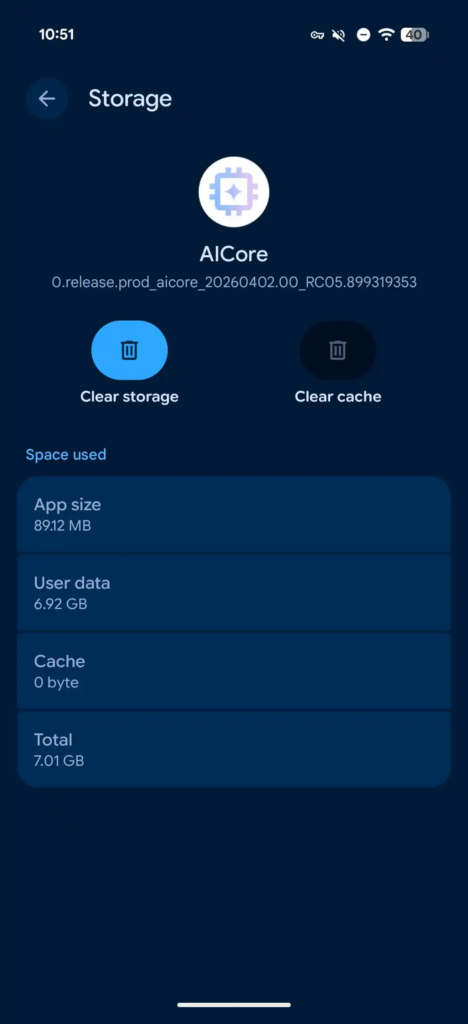
The reason behind the temporary storage spike comes from how Android handles updates to Gemini Nano, Google’s on-device AI model.
When a new version of Gemini Nano is rolled out:
- The system keeps both the old version and the new version at the same time
- This overlap can last for up to three days
This approach works as a fallback system. If the new model encounters issues, the device can instantly switch back to the previous version without requiring another large download.
What Happens After the Update Stabilizes
Once the system confirms that the new AI model is stable:
- The older version is automatically deleted
- Storage space is freed up again
So if you notice a sudden drop in available storage, it’s usually temporary and should resolve itself within a few days.
A Trade-Off for Better AI Experience
This behavior highlights a broader trend in modern smartphones. AI models are no longer small features, they are core system components that require:
- Large file sizes
- Frequent updates
- Careful management
In exchange, users get:
- Faster performance
- Improved privacy
- More reliable AI features
What Users Should Do
There’s no need to panic if your storage briefly drops after an update. Instead:
- Wait a few days to see if space is restored
- Keep your system updated regularly
This ensures your device continues to run smoothly with the latest AI improvements.
A Glimpse Into the Future of On-Device AI
Google’s approach shows how important on-device AI is becoming. While it may slightly complicate storage management, it brings powerful benefits that shape the future of mobile experiences.
Origin: 9to5google