Windows 11 Update Reboots May Drop To Once A Month
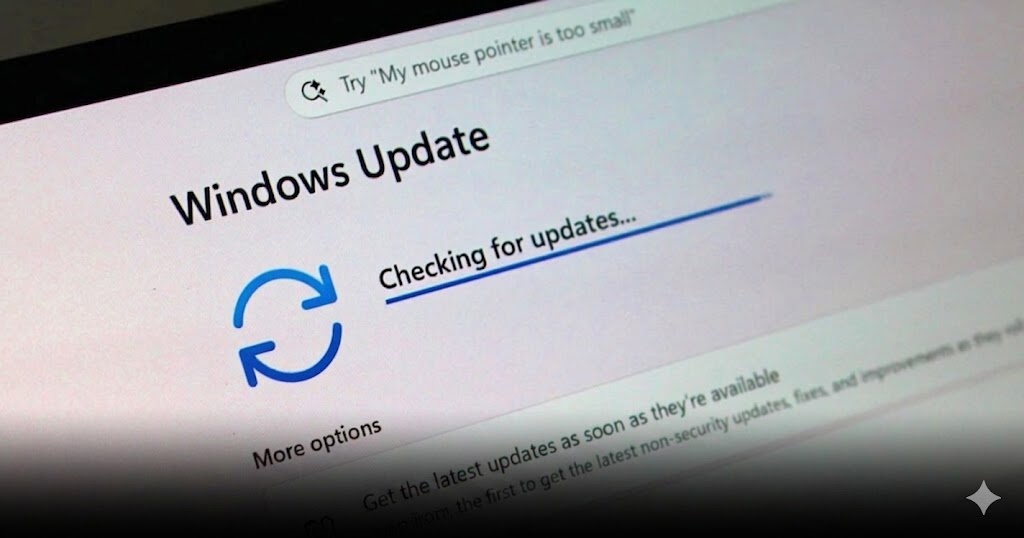
Microsoft Makes Windows 11 Updates Less Annoying With Fewer Reboots
Anyone who uses Windows 11 has probably experienced the same frustration: the system keeps asking for updates, then asks for another restart, then interrupts work, gaming, or daily use at the worst possible time.
Now, Microsoft is starting to address that problem.
The company is testing a redesigned Windows 11 update process that aims to reduce restart interruptions by making the system update experience more centralized and less disruptive.
The goal is simple: make users restart their PC only once a month whenever possible.
Windows 11 Updates Are Being Reorganized
The biggest change is how Microsoft plans to manage different update types.
Instead of handling driver updates, .NET updates, firmware updates, and monthly security updates separately, Microsoft is working on a more unified update structure.
This means these updates can be coordinated and completed together during the regular monthly security update cycle.
For everyday users, this could make the update experience feel much smoother. Instead of getting interrupted multiple times by different update prompts, users may only need to restart once during the monthly update window.
A Better Experience For Work And Gaming
This change matters because restart prompts can be especially annoying when users are working, studying, editing files, streaming, or playing games.
A laptop or gaming PC suddenly asking for updates can break focus and disrupt momentum.
By reducing the number of restart moments, Windows 11 can become more user-friendly for people who rely on their PC every day.
For gamers, fewer update interruptions also mean fewer moments where the system suddenly needs attention before launching a session, downloading patches, or running online games.
Windows Insiders Are Testing It First
The new update experience is currently being tested through the Windows Insider program.
This means regular users may not see the change immediately. Microsoft is first letting testers try the new structure before rolling it out more widely.
This kind of testing is important because update systems affect stability, device compatibility, drivers, firmware, and security.
If Microsoft can make the process smoother without creating new bugs, the feature could eventually roll out to general Windows 11 users through future monthly updates.
File Explorer Gets A Small But Useful Upgrade
The update also brings another practical improvement to File Explorer.
Users will be able to click the middle mouse button to open folders directly in a new tab.
This is a small feature, but it can make file browsing faster and more convenient. For users who often jump between multiple folders, project files, downloads, screenshots, documents, or game directories, tabbed navigation becomes much easier to manage.
It also makes File Explorer feel closer to a modern browser-style workflow.
Windows Search Becomes Smarter
Windows Search is also getting improvements.
The system will become better at handling misspelled words, incomplete search terms, missing letters, and partial words.
This means users may still find the app or setting they want even if they type something incorrectly.
For example, a user searching with a typo should have a better chance of getting the correct result instead of seeing nothing useful.
This is a welcome quality-of-life change because Windows Search is one of the fastest ways to open apps, settings, and system tools.
Settings And Taskbar Improvements Are Also Included
Microsoft is also improving other small parts of the Windows 11 experience.
The update includes more stability and clarity for taskbar status settings. It also improves the initial setup experience, especially for families that want to manage parental controls from the moment they set up a device.
These are not flashy changes, but they help make the operating system feel more polished.
For many users, small usability fixes can matter just as much as big headline features because they affect daily interaction with the PC.
Microsoft Is Trying To Make Windows Updates Less Disruptive
The bigger story here is that Microsoft appears to be listening to long-running user complaints.
Windows updates are important for security, stability, and device performance. However, the way updates interrupt users has been a common criticism for years.
By aligning more update types into one monthly restart, Microsoft is trying to make the system feel less intrusive.
This does not mean updates will disappear. It means Windows should become better at handling them in the background without constantly demanding attention from users.
General Users May Need To Wait
For now, this improved update experience is still in testing.
Users who are not part of the Windows Insider program may need to wait until Microsoft finishes checking stability and compatibility.
Once the test phase is complete, Microsoft is expected to gradually roll these improvements out through future monthly updates.
Users who want to check for available updates can still go to the Settings menu on their Windows 11 device and review their Windows Update status.
This is the kind of Windows 11 improvement that may not sound exciting at first, but it can make a real difference in daily use. Fewer forced restart moments mean fewer interruptions for work, gaming, studying, and content creation. The smarter search, File Explorer tab shortcut, and setup improvements also show that Microsoft is focusing on quality-of-life details. If the company can make updates quieter, smoother, and more predictable, Windows 11 will feel much better for regular users.
Origin: Windowscentral