Windows 11 Update KB5079473 Causes Widespread “No Internet” Bug
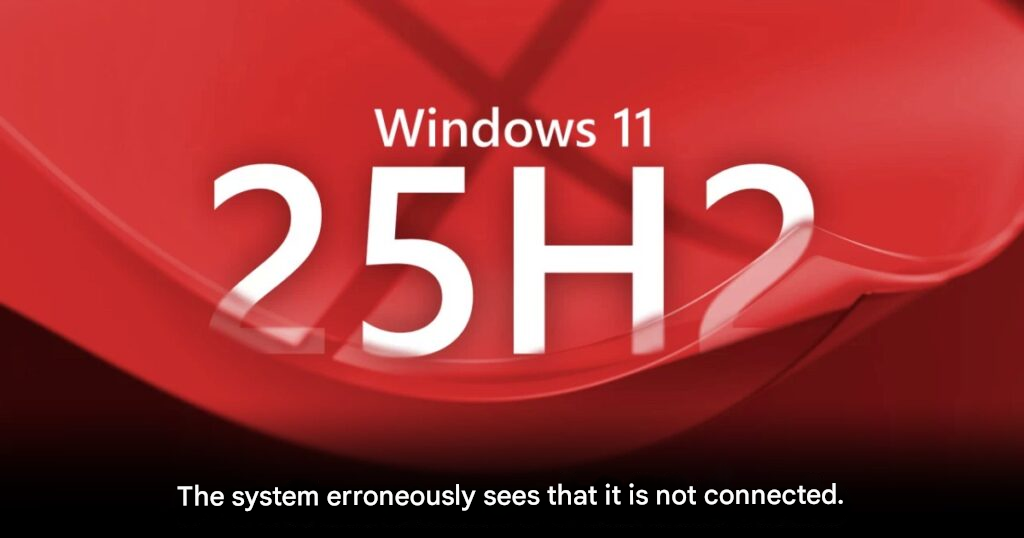
This week has been incredibly rough for Microsoft. Shortly after dealing with a massive Microsoft 365 outage, the tech giant has admitted that its recent Patch Tuesday update (build KB5079473) for Windows 11 versions 25H2 and 24H2 is causing serious problems for users.
The primary issue is a bizarre “fake offline” bug where the operating system reports that it is not connected to the internet—even though users can browse the web perfectly fine. This false status completely breaks the functionality of several core applications.
The “Fake Offline” Symptoms
When users attempt to log into essential daily apps, the system abruptly blocks them with an error message stating: “You’ll need the Internet for this.” This happens despite the machine having a perfectly stable Wi-Fi or LAN connection.
The bug specifically prevents login access to:
- Microsoft Teams Free
- OneDrive
- Microsoft Excel & Word
- Copilot (Microsoft’s AI assistant)
- Specific Microsoft Edge features that require an account sync
Who is Affected?
Initial investigations by Microsoft engineers revealed a very specific pattern regarding who is hit by this bug:
| Account Type | Bug Impact |
| Personal Microsoft Accounts | ❌ Severely Affected: Users are entirely blocked from logging into the apps mentioned above. |
| Enterprise Accounts (Entra ID / Azure AD) | ✅ Not Affected: Business and corporate users can log in and work completely normally. |
While corporate users caught a lucky break, everyday consumers and freelancers who rely heavily on OneDrive and Copilot for their daily workflow are currently left stranded.
Additional System Freezes and Boot Loops
Unfortunately, the network glitch isn’t the only side effect of this patch. Reports have surfaced that after installing KB5079473, some PCs are falling into endless restart loops, while others suffer from complete system freezes that force the user to perform a hard reset via the power button.
Microsoft is currently rushing to gather data and identify the root cause of these side effects to prevent a repeat of a previous patch disaster that completely broke Bluetooth functionality.
How to Fix the Windows 11 Connection Bug
If you are currently trapped by this bug, Microsoft has provided a simple, temporary workaround:
- Leave your PC completely connected to the internet.
- Do not unplug your LAN cable or turn off your Wi-Fi.
- Restart your computer while the active connection is maintained.
The system needs an active internet connection during the boot sequence to properly repair its corrupted “Connectivity State.” Doing this should temporarily banish the bug.
However, this is just a band-aid fix. Microsoft has promised to release a permanent patch as soon as possible. If you have not yet installed the March 10, 2026 update, it is highly recommended to pause your Windows Updates and delay the installation until the situation is fully resolved.
Origin: Neowin